New teacher onboarding for AI-assisted grading
Client
EnlightenAI
Service
Product Design
Date
2025
Overview
EnlightenAI needed to revamp its teacher onboarding and activation experience to improve first-time user success. This work simplified the path to grade at least one submission or assign work to their class, and to reduce median time-to-value in the system.
Deliverables
Product Design
The challenge
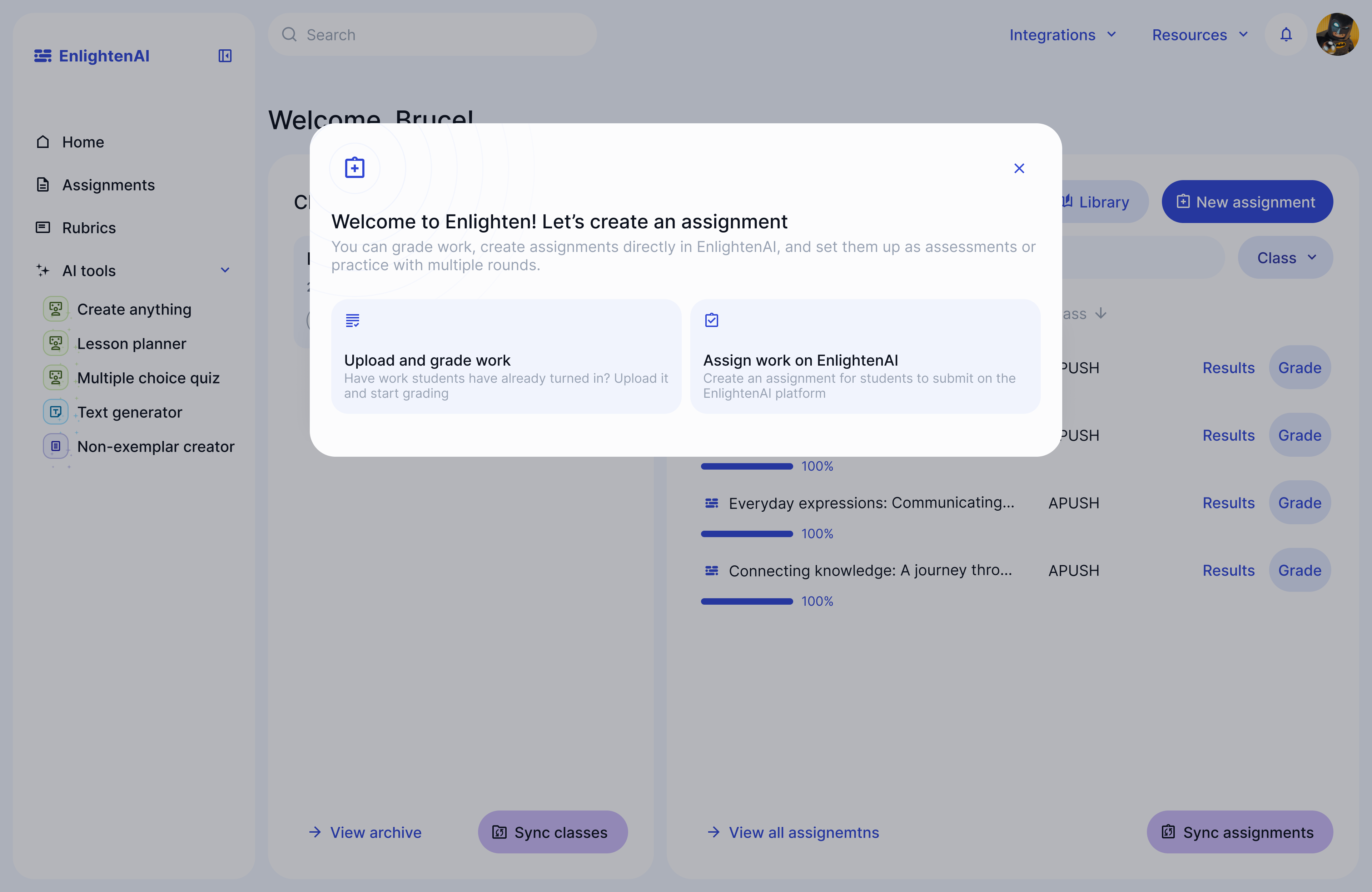
The current activation experience left teachers confused with too many steps to get student work into Enlighten, and the time to value was taking users far too long. Users can use Enlighten to upload and grade student work they already have submitted in external tools like Google classroom, or they can assign work to students directly on Enligthen, and those two options weren't clear to teachers.
Branching paths for different user goals
Research
We started by mapping the current experience and pain points, and synthesizing drop off points from Post Hog recordings and data. We then created an updated user flow map that we validated with customer success and sales.
How we did it
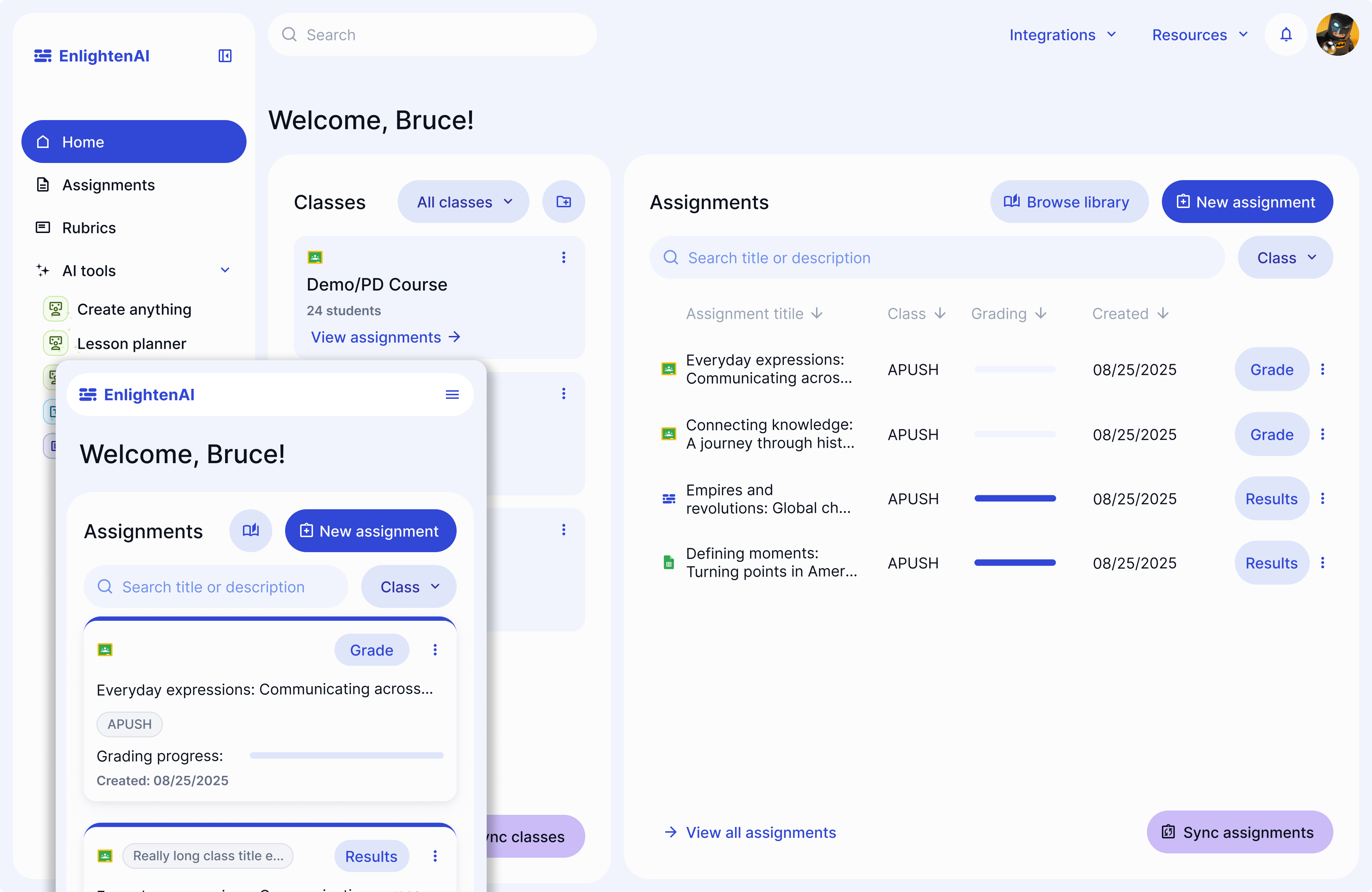
To deliver this work, I collaborated with engineers working remotely abroad, syncing weekly to test designs and incrementally delivering pieces of the work to users, starting with the updated and re-structured dashboard that we optimized for mobile, and then delivering the updates to the new user onboarding flow.
Outcome
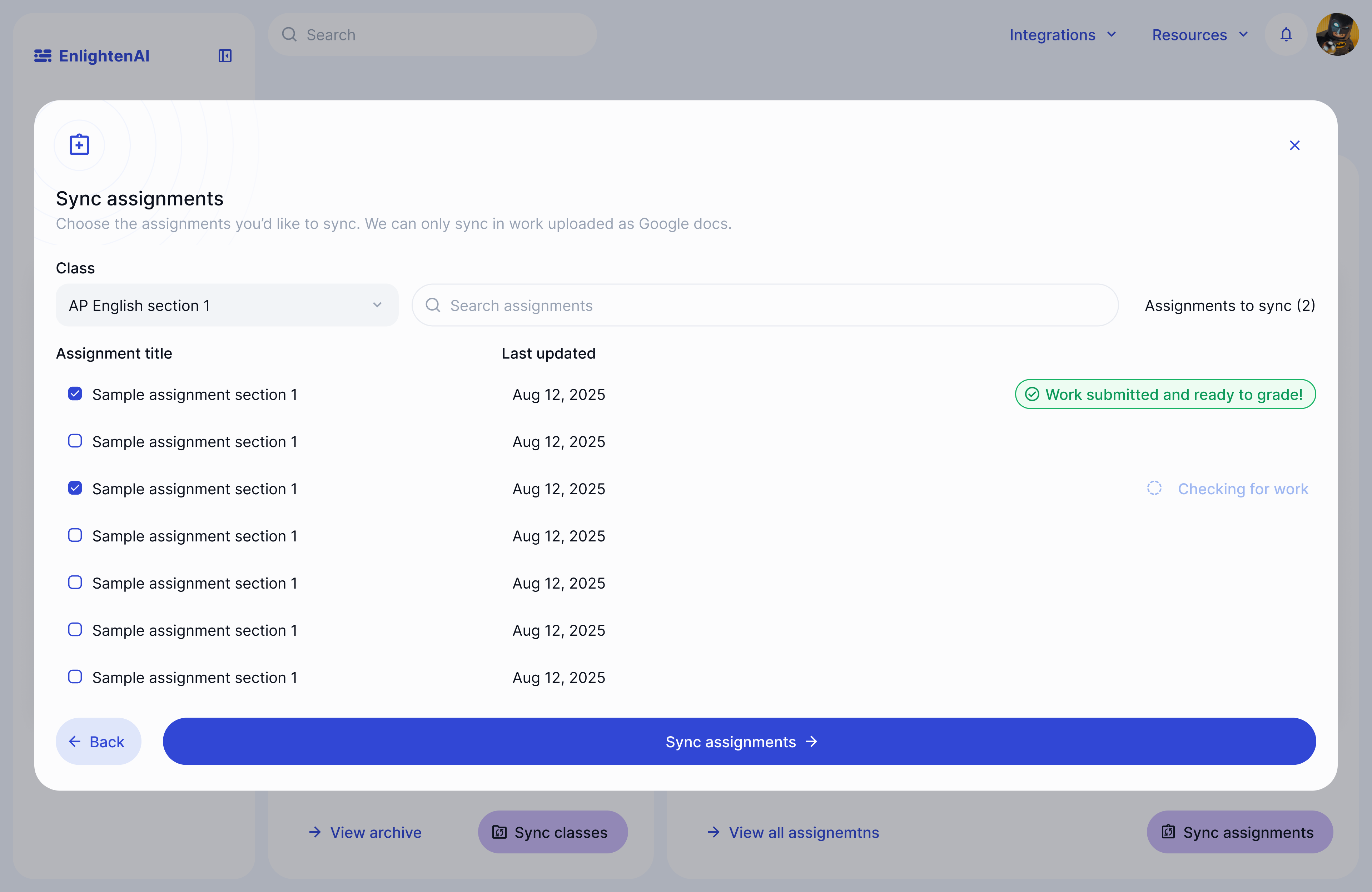
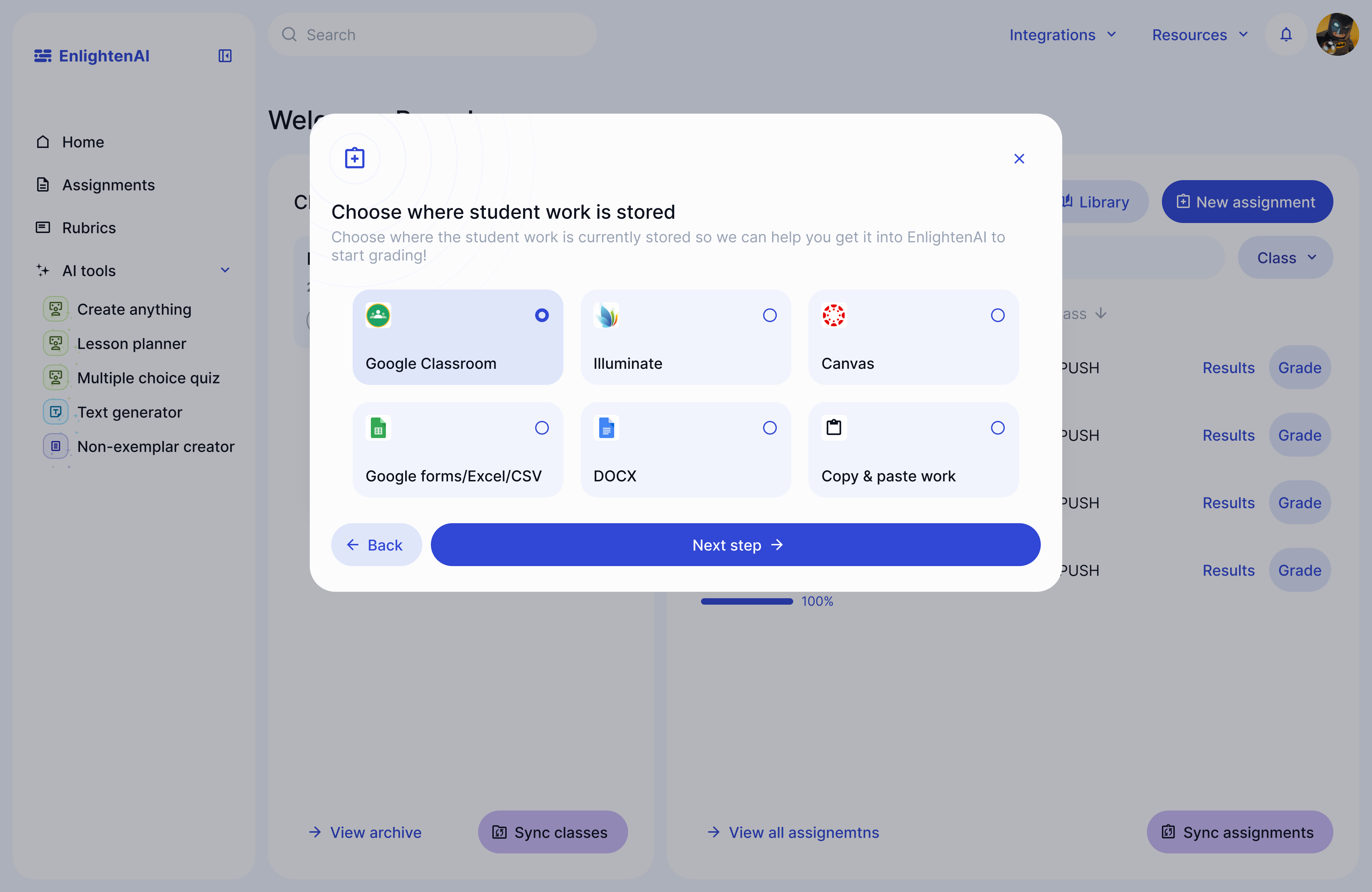
We streamlined the options for teachers during onboarding to make their first decisions in Enlighten easier, and made the process of importing student work less cumbersome so that only work that actually needs to get graded makes it's way to Enlighten, decluttering the experience for teachers.
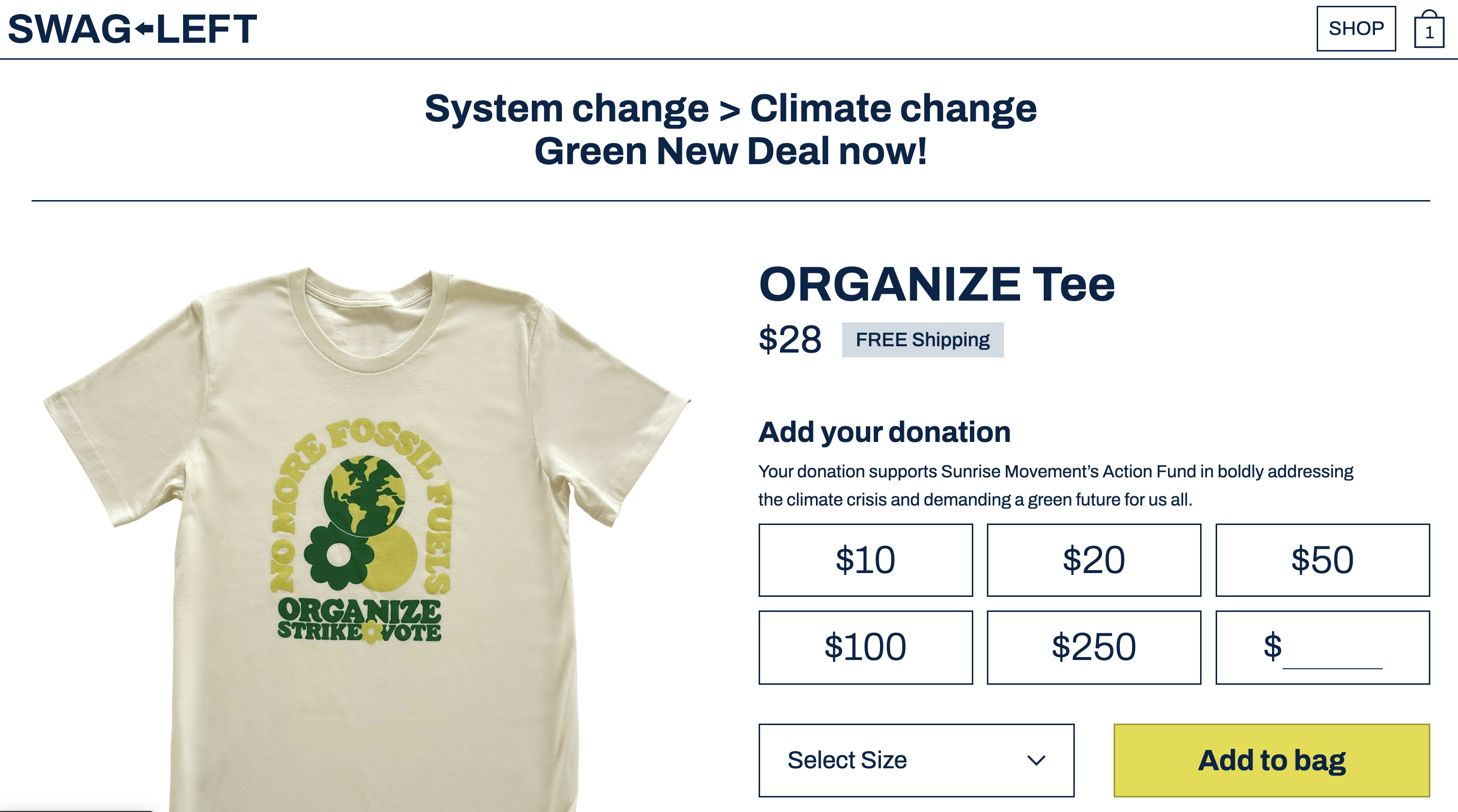
Easy cues for student work storage
Choosing available assignments to grade